A new way to enjoy your photos
Your photos.
A place of their own.
Your favorite photos in 13 different 3D spaces. Set the mood with whole-scene filters, then settle into a slideshow.
Take a look insideExplore without signing in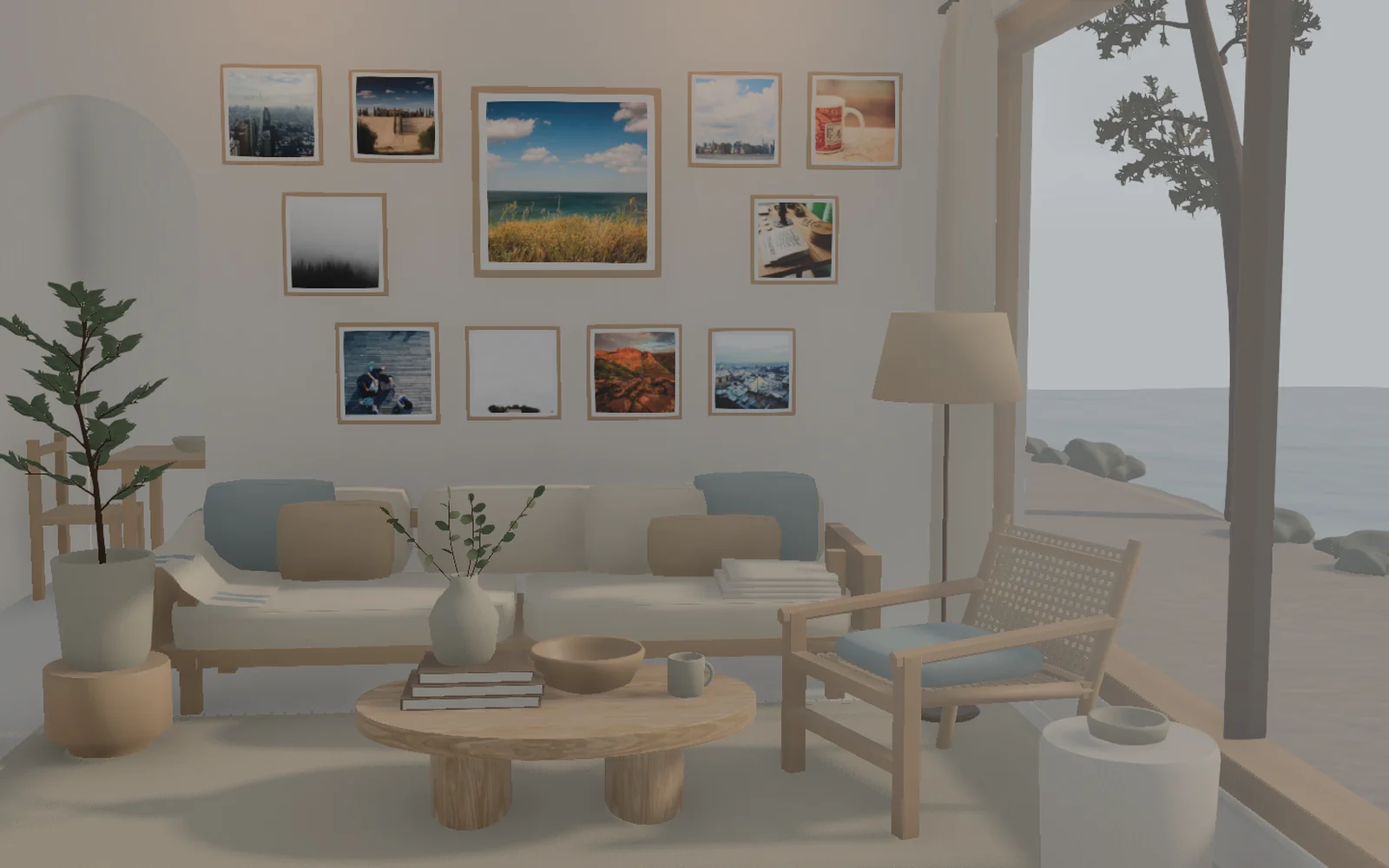
Your favorite moments, beside the sea.
Actual spacial photos screen · Sample photographsChoose your photos
From Google Photos or your device
Find their place
Pick a space that feels like you
Enjoy them again
Look closer, or turn through an album
Whole-scene filters
Same memories. A different mood.
From Vivid to Mono, change the look of the whole space. In the app, adjust filter intensity and film grain independently.
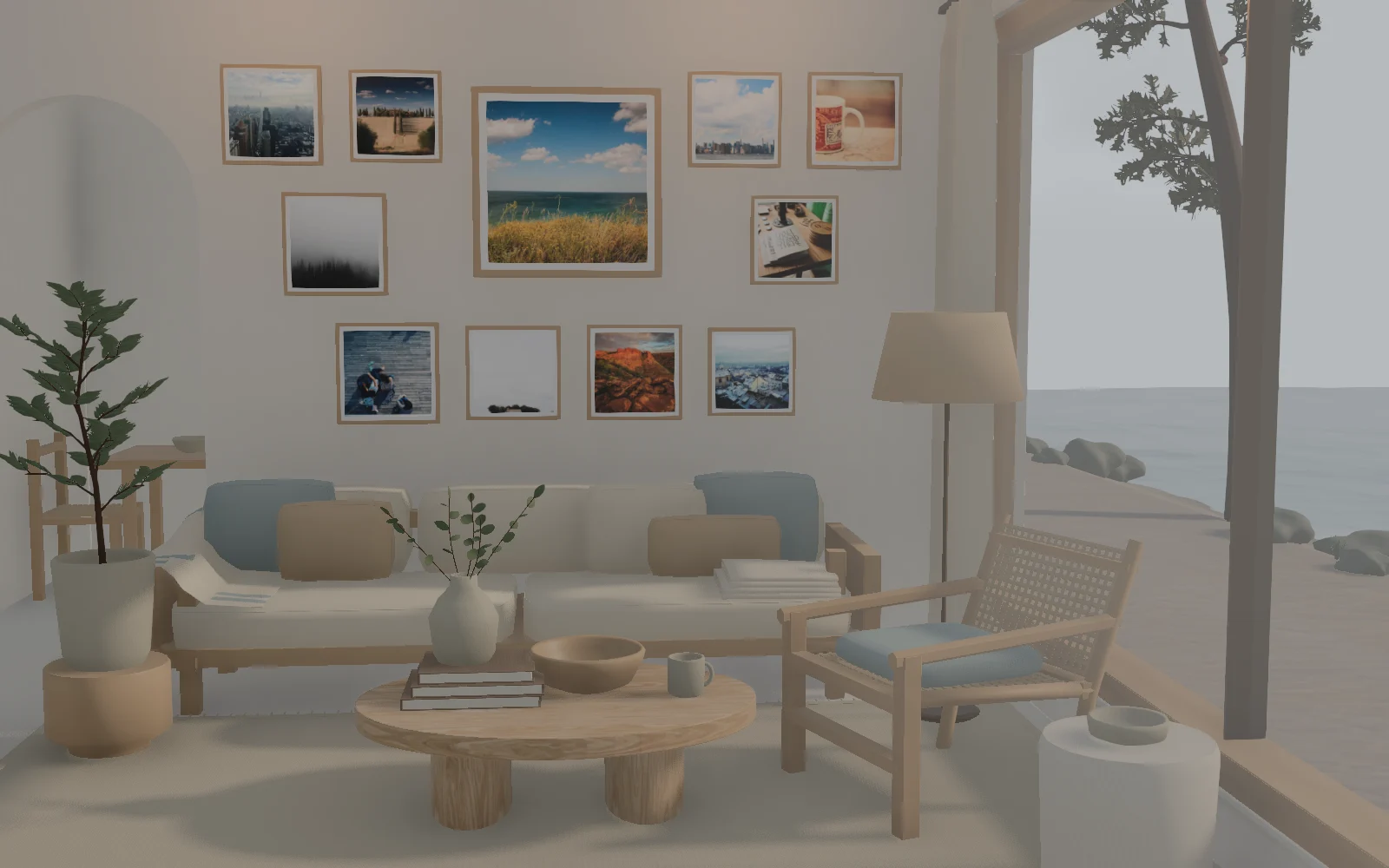
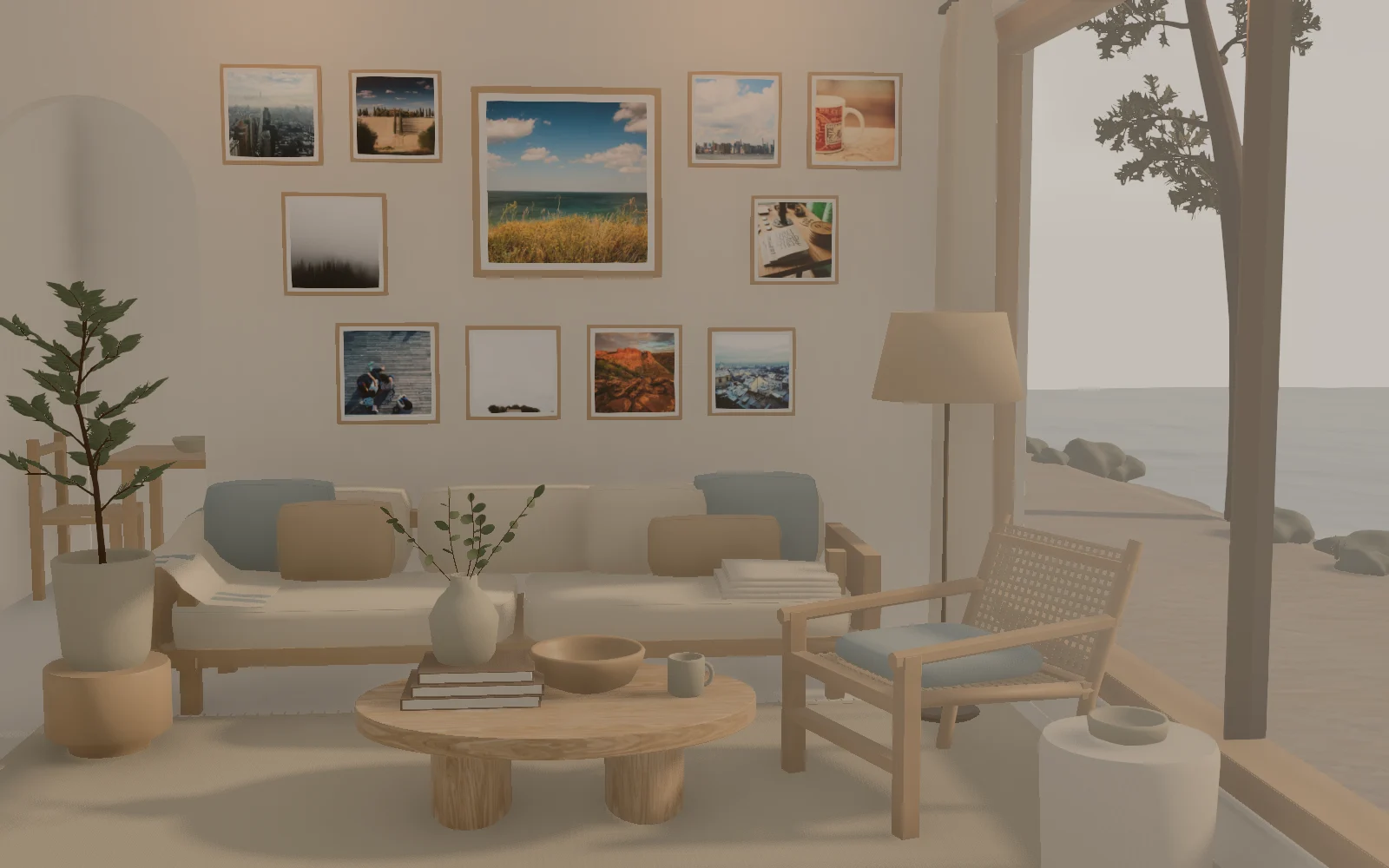
Your original photos stay unchanged.
Actual Coastal Home screen · Sample photographs
Your photo library
Choose, place, revisit.
Pick the photos you want to keep close, choose a space, and arrange them when you are ready.

The photos are already yours
Bring only
the ones you choose.
That trip on your phone. A weekend together. Start with the moments you want to see again.
 Google Photos
Google sign-in gives you account access. Then open the Google Photos picker to choose photos.
Choose
Pick photos from Google Photos or your device.
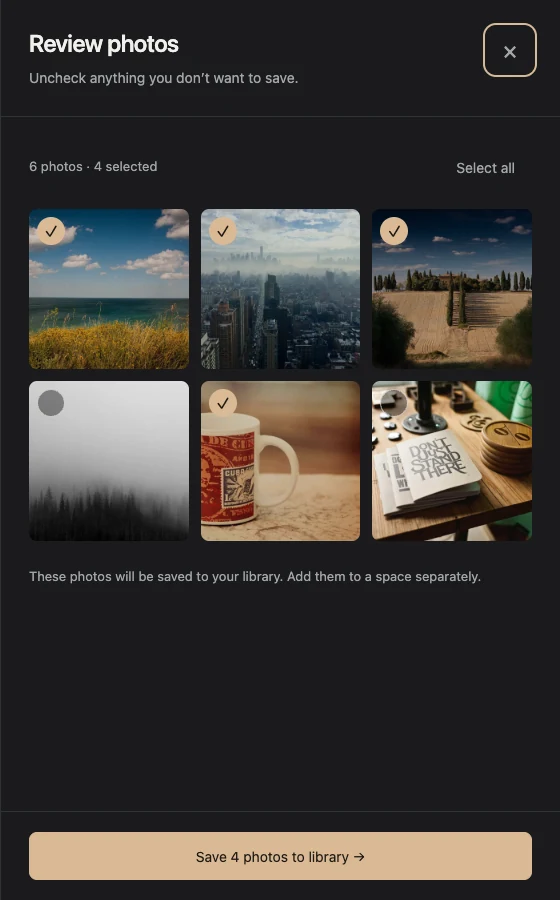
Review
Only checked photos are ready to save.
Save
Add them to your private photo library.
Only checked review photos are saved. Google Photos never auto-syncs.
Automatic viewing
Lovely to leave open.
Photos and album pages can advance with changing light. Keep the whole room in view, cycle through chosen spaces, or take over with the time dial.
- 0:00Automatic photos
- 0:08Automatic album pages
- 0:16Changing light
Read the video transcript
0:00 Photos advance automatically. 0:08 Album pages turn automatically. 0:16 Use the time dial to change the light.
A few things to know
- What is spacial photos?
- spacial photos is a web app for viewing selected photos in a 3D space.
- Can I try it before signing in?
- Yes. Explore the demo rooms with sample photos without signing in.
- How do I add my photos?
- Sign in with Google for your account, then open the Google Photos picker, or upload JPEG, PNG, or WebP files. Only checked review photos are saved and nothing auto-syncs.
- Can I change the photo order?
- Yes. In a space, drag photos into order or move them earlier or later.
- Can I use a photo in more than one space?
- Yes. A saved photo can be used in more than one space.
- Do filters change my original photos?
- No. Filters change the appearance of the whole 3D view, including photos and scenery. Saved photo files stay unchanged, and you can return to Original at any time.
- Which filters can I use?
- Choose Vivid, Soft Film, Warm Film, Mono or Cool Cinema. Adjust intensity and film grain separately, and compare before and after side by side in the same view.
- How many photos can I save?
- The current beta allowance is 200 photos and 500 MiB per account. Riverside Walk extends its path to fit the photos you add to the space.
- Can I customize automatic viewing?
- Yes. In Slideshow settings, enable both View photo details and Let time flow, or turn photo details off to keep the whole room in view. Choose a 1, 2 or 5-minute light cycle. Selected spaces can change at an interval or after each cycle. Light cycles are independent of real clock time.
- Are my photos private?
- Yes, by default. Enable a share link to let anyone with it view that space. Turning it off blocks new access, but cannot recover copies someone has already saved.
- How are uploads optimized?
- Uploads are resized to a longest edge of up to 1920 pixels and may be encoded as WebP. Smaller photos are not enlarged, and the original remains on your device.